Virtual Scrolling: Rendering millions of messages without lag

Displaying a large amount of messages in a list can destroy the performance of an application. The naive approach to displaying these messages would be to render each message as a DOM element (in a webpage context). But this quickly degrades the performance, since the browser needs to spend all its time laying out these elements, repainting them during scrolling and holding the huge list of DOM nodes in memory.
Chat apps, log message visualizers and various other applications all face this problem. Today, we are going to take a look how we solved this in Kreya.
The problem
Let's visualize the problem. Imagine we have a browser viewport with a height of 800px and the user scrolled down a bit. Each message takes up around 50px in height, so we display around 15 messages in the viewport:
[ Message container (height: 5,000,000px) ]
+--------------------------------------------------------------------+
|  <div id="msg-1"> ... </div>                                       |
|  <div id="msg-2"> ... </div>                                       |
|   ...                                                              |
|  <div id="msg-9"> ... </div> (Off-screen)                          |
|                                                                    |
|  [ Browser viewport (height: 800px) = visible area ]               |
|  +--------------------------------------------------------------+  |
|  | <div id="msg-10"> ... </div>                                 |  |
|  | <div id="msg-11"> ... </div>                                 |  |
|  | <div id="msg-12"> ... </div>                                 |  |
|  | ...                                                          |  |
|  | <div id="msg-25"> ... </div>                                 |  |
|  +--------------------------------------------------------------+  |
|                                                                    |
|  <div id="msg-26"> ... </div> (Off-screen)                         |
|  <div id="msg-27"> ... </div>                                      |
|  ... [ 99,970 more DOM nodes taking up memory ] ...                |
|  <div id="msg-100000"> </div>                                      |
+--------------------------------------------------------------------+
This is VERY slow. Each message creates one node in the DOM, which takes up memory and slows down the performance drastically. When scrolling, all the DOM nodes have to be recalculated, which creates UI freezes with that many elements.
So how do we solve this?
Solution 1: Do not display that many messages
One approach would be to simply not display thousands of messages. Realistically, who is going to view them all? In my opinion, this should be the first course of action to check. Maybe replace the thousands of items with a search and only display the first 100 results? This is actually the approach we usually take in Kreya, for example in our API endpoint selection:

Here, we do not display all endpoints, as it can get pretty slow if a project contains hundreds or thousands of them. And a user is not going to scroll through them all to select on. Instead, we provide a search to narrow down the selection.
Solution 2: Virtual scrolling
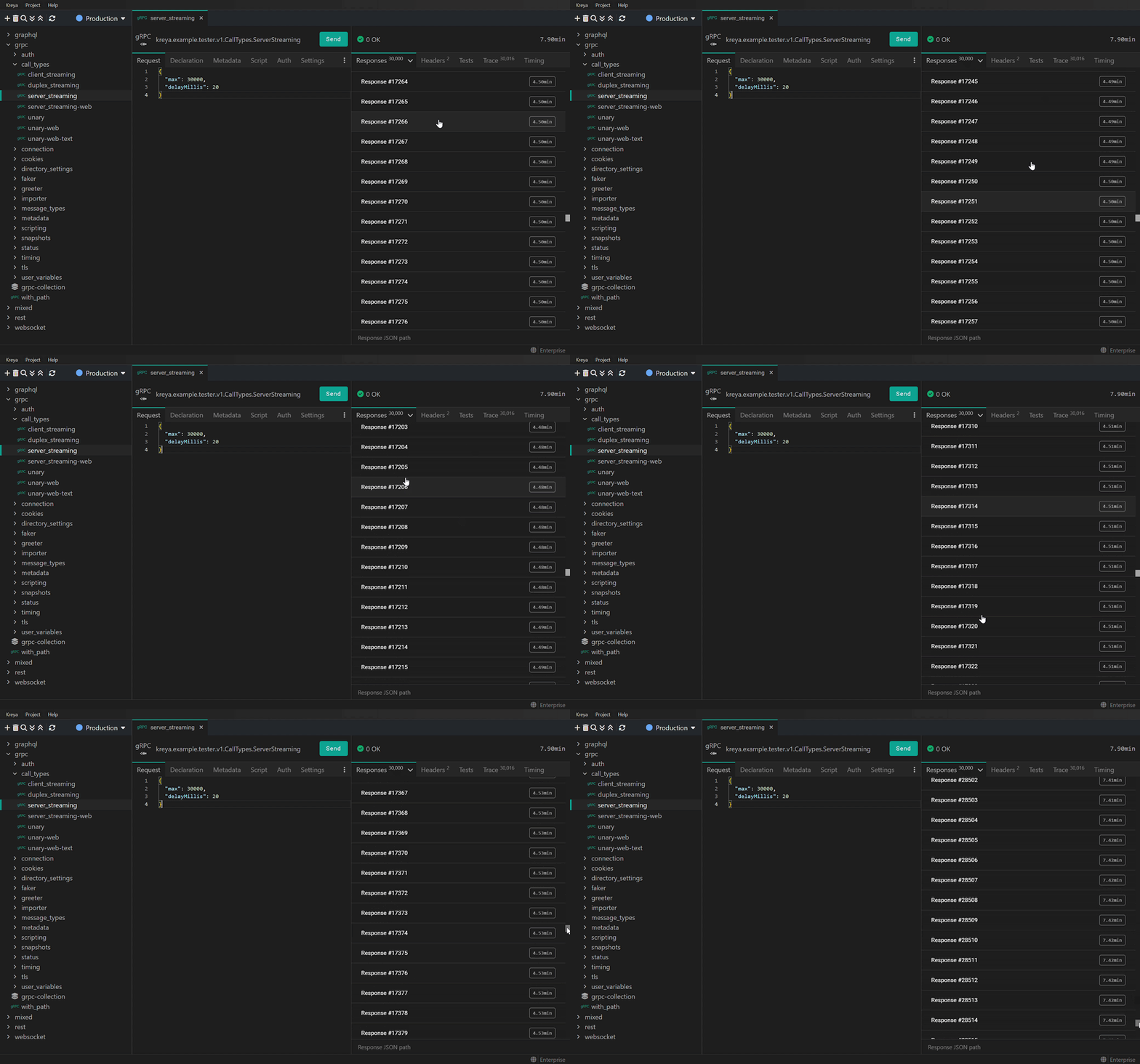
But in other cases, like our response view, we really want to have a list with all available responses. Often, there is only a single response returned by the server. But with gRPC, WebSockets or Server-Sent Events, there is a possibility that many thousands responses will be received and Kreya must handle that use case perfectly.
We achieved this by using virtual scrolling:
[ Message container (height: 5,000,000px) ]
+--------------------------------------------------------------------+
|  ↕ [ Empty scroll space (height: 7 * 50px = 350px) ]               |
|  <div id="msg-8"> ... </div> (Off-screen)                          |
|  <div id="msg-9"> ... </div> (Off-screen)                          |
|                                                                    |
|  [ Browser viewport (height: 800px) = visible area ]               |
|  +--------------------------------------------------------------+  |
|  | <div id="msg-10"> ... </div>                                 |  |
|  | <div id="msg-11"> ... </div>                                 |  |
|  | <div id="msg-12"> ... </div>                                 |  |
|  | ...                                                          |  |
|  | <div id="msg-25"> ... </div>                                 |  |
|  +--------------------------------------------------------------+  |
|                                                                    |
|  <div id="msg-26"> ... </div> (Off-screen)                         |
|  <div id="msg-27"> ... </div> (Off-screen)                         |
|  ↕ [ Empty scroll space (height: 99,973 * 50px = 4,998,650px) ]    |
+--------------------------------------------------------------------+
With virtual scrolling, we only create DOM elements for items currently visible in the viewport (plus some more as a small buffer for smooth transitions). This ensures that our resource usage stays low. To make the native browser scrollbar work, the actual height of the container has to stay the same as if it contains all items (50,000,000px in our example). Then, we use offsets or empty divs to place the actual content at the correct offset.
And voilà:
Deep dive into virtual scrolling
Virtual scrolling as a concept is pretty simple: Given the scroll offset from the top, calculate the items to display. But as always, the devil's in the details and there are a lot of gotchas to consider.
The most important point is that items inside a virtual scroll list need a known height in pixels. You cannot render dynamically sized content, for example a paragraph that scales its height with text content, inside a virtual scroll list. We need to know each item size to be able to calculate the item offsets and placements. The easiest way to work with virtual scrolling is when each item has the same, static height.
The math
Let's take a deeper look at the math involved. To make things simpler, we assume an universal, static item height of ITEM_HEIGHT_IN_PX = 50.
As described above, the scroll container height should be the total height of all items:
setScrollContainerHeight(totalItemCount: number, scrollContainer: HTMLElement): void {
  const height = ITEM_HEIGHT_IN_PX * totalItemCount;
  scrollContainer.style.height = height + 'px';
}
Virtual scrolling works by listening to scroll events of the container and rendering items based on the current scroll offset. We need to find the index of the message that the user scrolled to:
findIndexAtScrollOffset(scrollOffset: number): number {
  // This will return
  // 0px => 0
  // 49px => 0
  // 50px => 1
  // 20038px => 400
  return Math.floor(scrollOffset / ITEM_HEIGHT_IN_PX);
}

// The reverse calculation, needed later on
calculateScrollOffsetForIndex(index: number): number {
  return index * ITEM_HEIGHT_IN_PX;
}
Of course we do not want to only render a single item, but the visible items in the viewport. Additionally, add some more items above and below as a buffer so that fast scroll events do not see empty space.
const BUFFER_ITEM_COUNT = 20;

calculateItemRangeForIndex(index: number, totalItemCount: number, viewportHeight: number): { indexStart: number, indexEnd: number} {
    // This is not entirely accurate, but rendering one item too many does not hurt much
    const additionalItemsAboveOrBelow = (viewportHeight / ITEM_HEIGHT_IN_PX) / 2 + BUFFER_ITEM_COUNT;
    const indexStart = Math.max(0, index - additionalItemsAboveOrBelow);
    const indexEnd = Math.min(totalItemCount - 1, index + additionalItemsAboveOrBelow);
    return { indexStart, indexEnd };
}
Putting it together, a naive implementation would look something like this:
updateVirtualScrollContent(scrollOffset: number, totalItemCount: number, viewportHeight: number): void {
  const itemIndex = findIndexAtOffset(scrollOffset);
  const { startIndex, endIndex } = calculateItemRangeForIndex(itemIndex, totalItemCount, viewportHeight);

  // Left as an exercise for the reader (depends on the used framework etc.)
  renderItems(startIndex, endIndex);

  // Calculate the offset of the first DOM node (everything above is empty space to render the scrollbar correctly)
  const contentOffset = calculateScrollOffsetForIndex(startIndex);

  // Left as an exercise for the reader (depends on the used framework etc.)
  setContentOffset(contentOffset);
}
This is a pretty basic implementation and has room for a lot of optimizations:
- Throttle the method call when calling this from a
scrollevent listener. Otherwise you are constantly re-rendering the items even though the user only scrolled a few pixels. A good option would be to userequestAnimationFrame - Remember the last rendered range. Inside the update method, check whether the buffer still has "enough" items regarding the current offset. This allows you to skip doing any work, for example when the user only scrolled one item down and you still have 19 more items rendered as your buffer.
- If the amount of items in the list can change, remember to update the total size of the scroll container
- Implement "jump to index" if you application needs it
- If it is possible to remove items, you need extra safeguards. For example when the user scrolled to the end of the list and removes item, you need to jump back to actual item indexes.
The bigger problem: Virtual scrolling with accordions
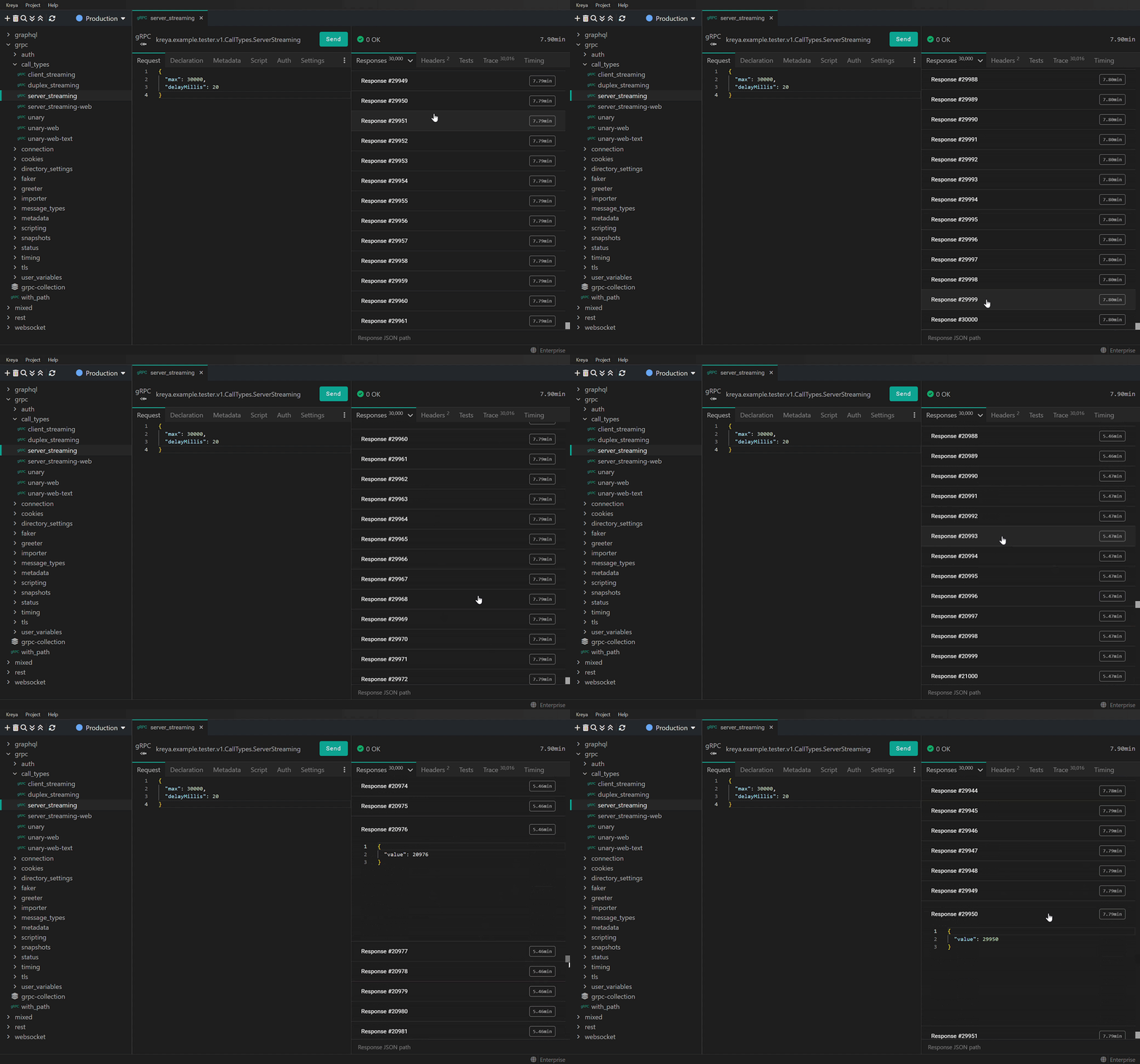
In Kreya, we have a bigger challenge. Not only do we need virtual scrolling, we also want to render accordions as our items. Accordions have a collapsed and expanded state, with each state taking up a different height:
- Collapsed state: Small height (48px) showing just the header
- Expanded state: Large height (304px) showing the header and the content
The states have a difference of 256px, which we need to account for in every calculation. To be able to do that, we need to track which indexes contain an expanded accordion:
const expandedIndexes = new Set<number>();

countExpandedIndexesInRange(endIndexInclusive: number): number {
  let count = 0;
  for (const index of this.expandedIndexes) {
    if (index <= endIndexInclusive) {
      count++;
    }
  }

  return count;
}
And our findIndexAtScrollOffset method needs to be modified as well:
findIndexAtScrollOffset(scrollOffset: number): number {
  // If all items are collapsed, this would be the index at the offset
  // However, if some items above are expanded, the index is smaller than this one
  let index = Math.floor(scrollOffset / COLLAPSED_ITEM_HEIGHT_IN_PX);
  const expandedCount = countExpandedIndexesInRange(index);
  if (expandedCount === 0) {
    return index;
  }

  // Calculate the offset that the index (including its own content) would have
  let sizeForIndex = calculateSizeForIndex(index);

  while (true) {
    const itemSize = expandedIndexes.has(index) ? EXPANDED_ITEM_HEIGHT_IN_PX : COLLAPSED_ITEM_HEIGHT_IN_PX;
    const sizeForPreviousIndex = sizeForIndex - itemSize;

    // The previous item wouldn't be visible, so the current item is the one we are looking for
    if (sizeForPreviousIndex <= scrollOffset) {
      return index;
    }

    // The previous item would be visible, continue with that
    index--;
    sizeForIndex -= itemSize;
  }
}

// Calculates the size the whole list would take up including the specified index
calculateSizeForIndex(index: number): number {
  const itemCount = index + 1;
  const expandedCount = this.countExpandedIndexesInRange(index);
  return (itemCount - expandedCount) * COLLAPSED_ITEM_HEIGHT_IN_PX + expandedCount * EXPANDED_ITEM_HEIGHT_IN_PX;
}

// Calculates the size the whole list would take up excluding the size of the specified item at the index
calculateOffsetForIndex(index: number): number {
  return index === 0 ? 0 : this.calculateSizeForIndex(index - 1);
}
As you can see, things get much more complicated. We cannot calculate the index from the scroll offset directly anymore, since we do not know how many expanded accordions are present in that range.
Here is how it looks in Kreya:
Conclusion
Virtual scrolling is essential when displaying thousands or millions of items. But this only works when the size of the items is known beforehand. Using content that changes in size, such as accordions, is possible, but harder.